Available now

Photag Autopilot

You shoot. Autopilot edits, crops and puts on sale. All by itself.

Your photos land in a folder on your computer. They come out on sale, indexed by bib number and by face.

macOS 12 or later · Pro plan only

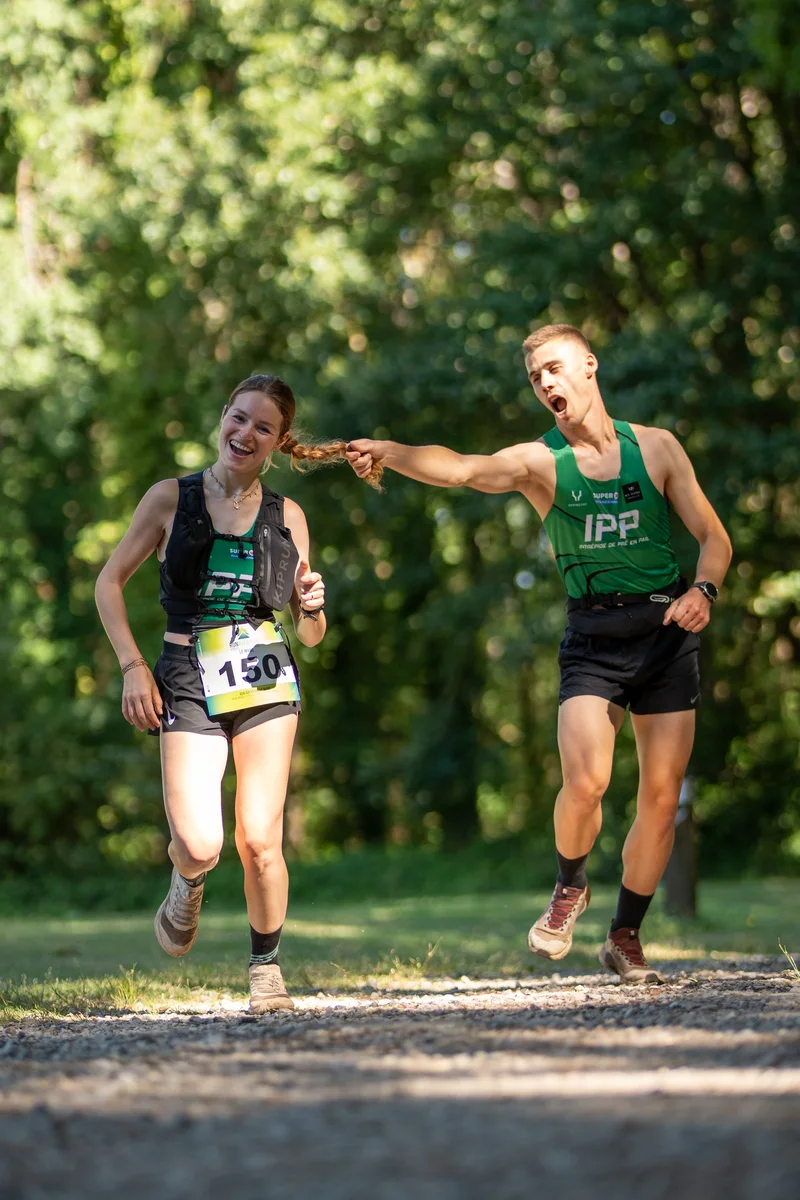
Two runners, bib 150
Two runners, bib 150 — plein cadre brut, penché avant redressement
47 % kept·2.1°A7405259.ARW

Hover over the photo to see the before.

What it does for you

  • Editing
  • Cropping
  • Horizon straightened
  • Blurry shots dropped
  • On sale on Photag

Autopilot handles all of it, on its own, on your computer. You just shoot.

The journey of a photo

From shutter to sale, without you

The same photo, at every stage. No sorting, no exporting, no editing to do: Autopilot handles it all in the background.
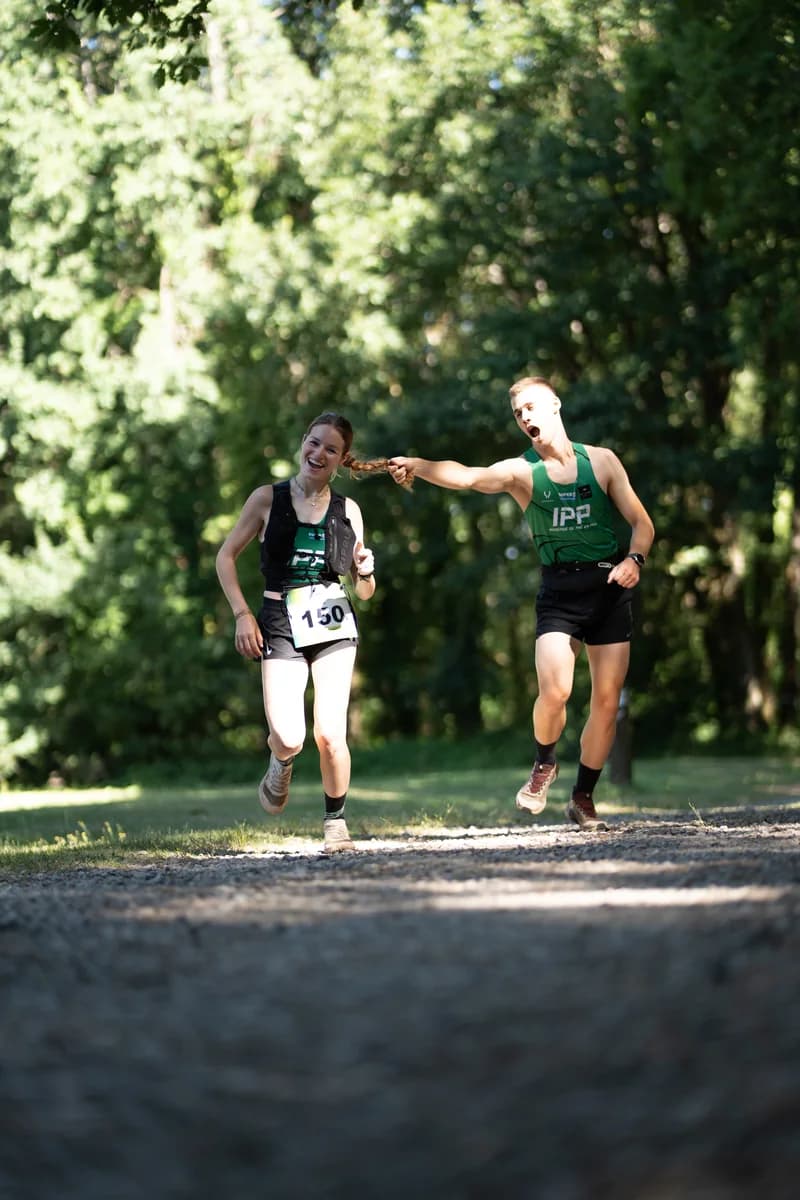
  1. The untouched RAW just dropped in: full frame, flat colorsA7405259.ARW
    your only move

    Drop

    A photo lands in the folder you picked — copied from the card, or sent straight from the camera.
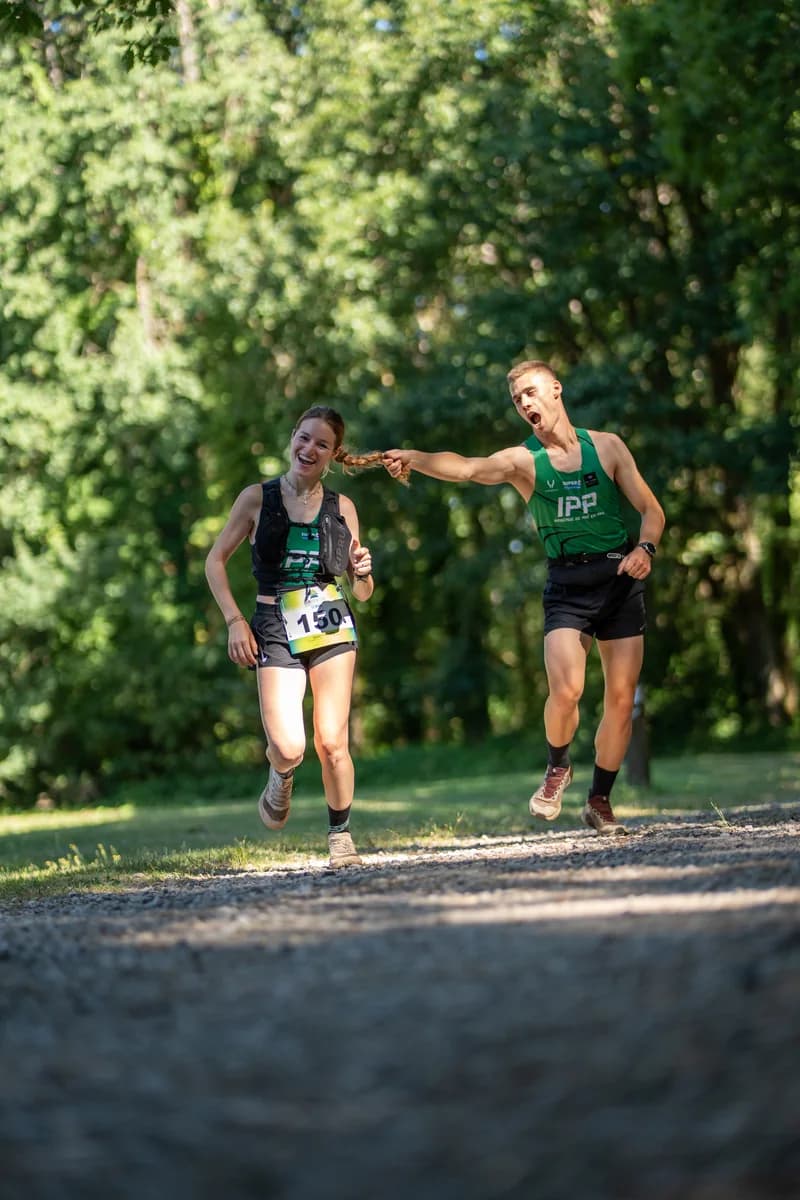
  2. The same photo processed: light and colors restoredRAW → 16-bit
    locally, on your Mac

    Processing

    The RAW is processed in 16-bit, with light and color tuned for that photo. It never leaves your machine.
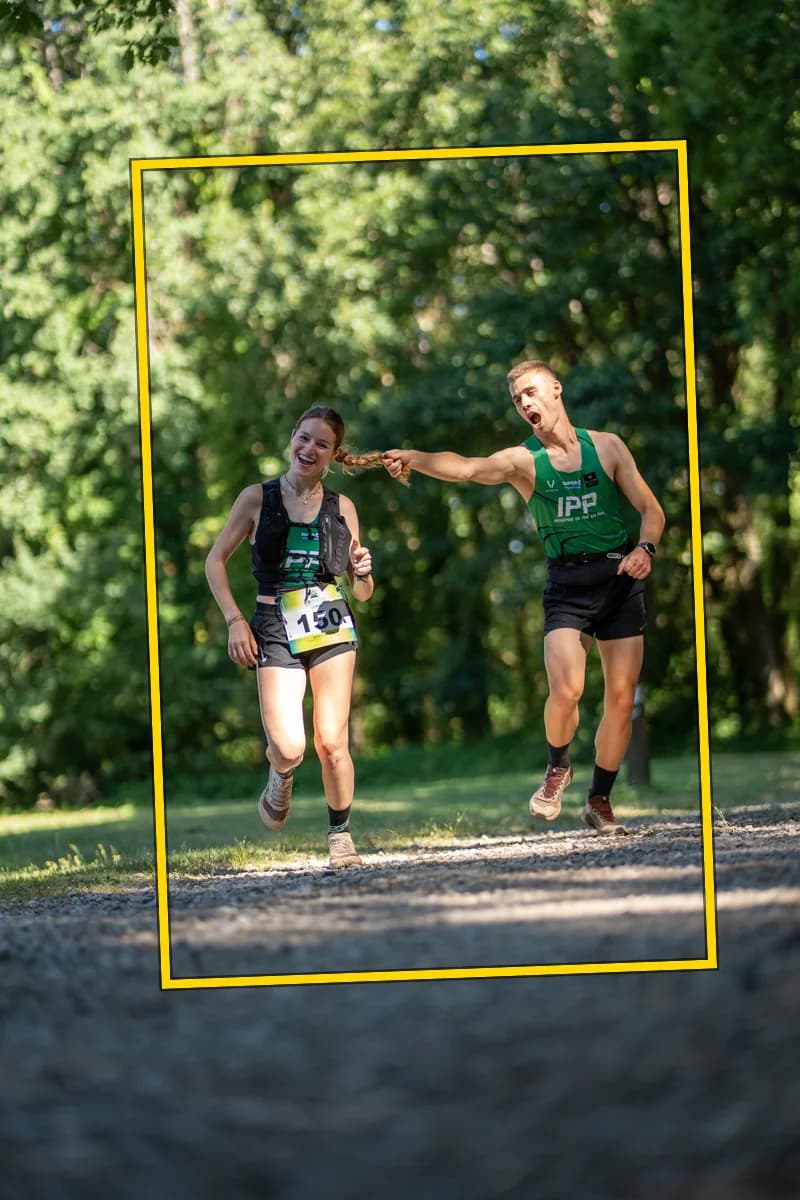
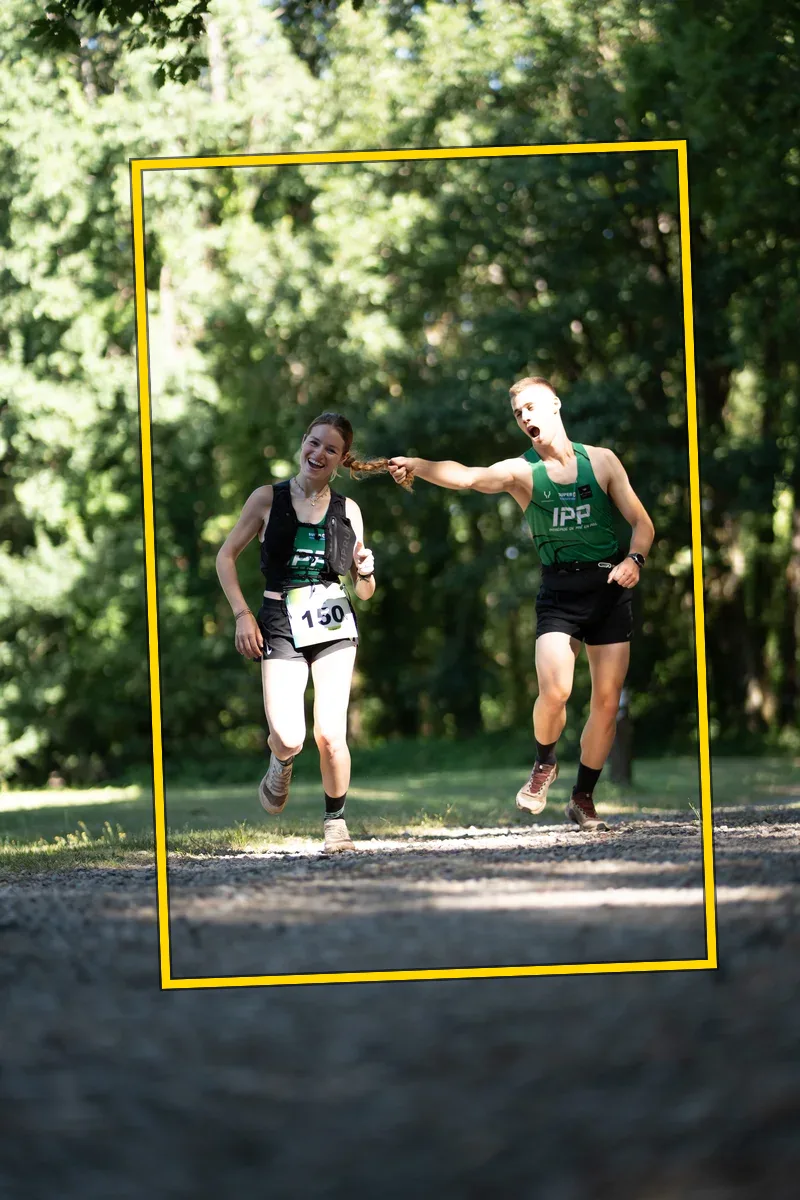
  3. The crop computed by Autopilot, drawn over the processed photo✂ 47% · ↺ 2.1°
    automatic

    Crop & horizon

    The frame tightens on the runners, the horizon straightens. At the slightest doubt, the photo is left untouched.
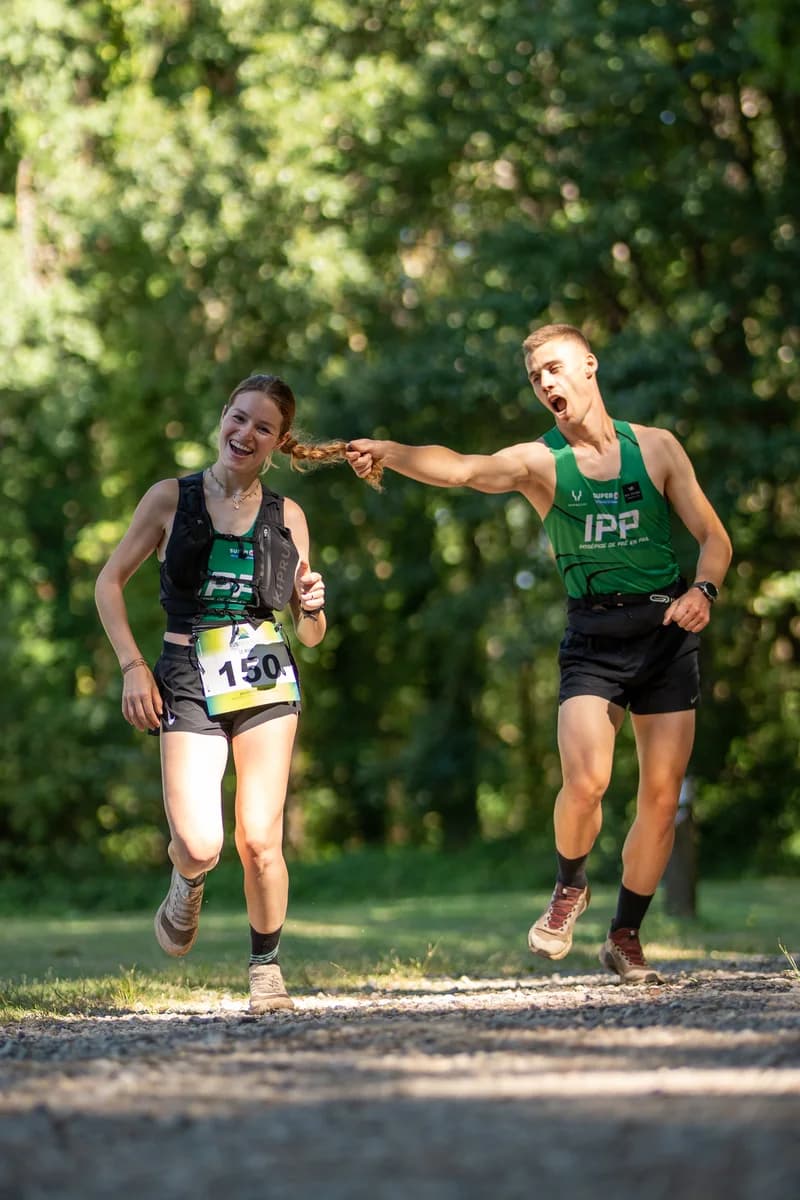
  4. The final photo, identified and on sale on PhotagFinal JPEG
    On saleBibs 150 · 54
    5 €
    identified by AI

    On sale

    Indexed by bib number and by face, ready to buy in your gallery straight away.

Before / After

These six photos come straight out of Autopilot, untouched. Hover over one to see the original out of the camera — and the frame it chose.
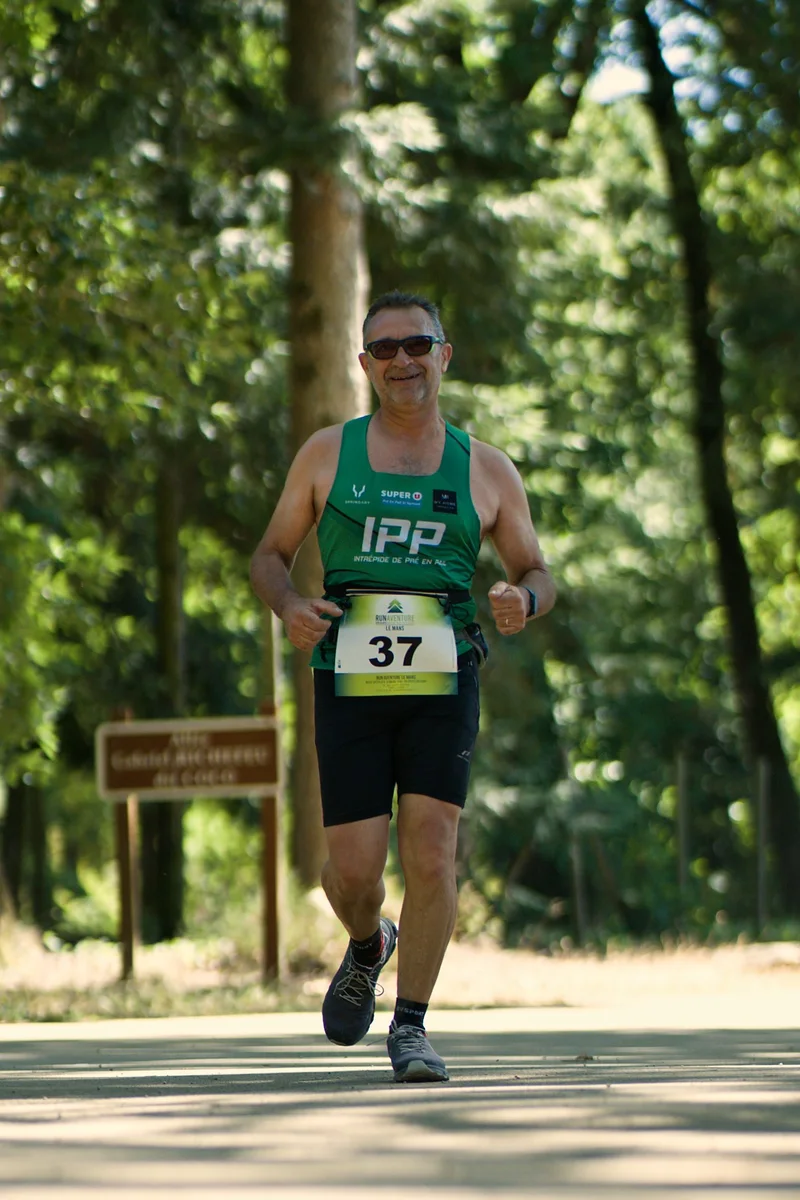
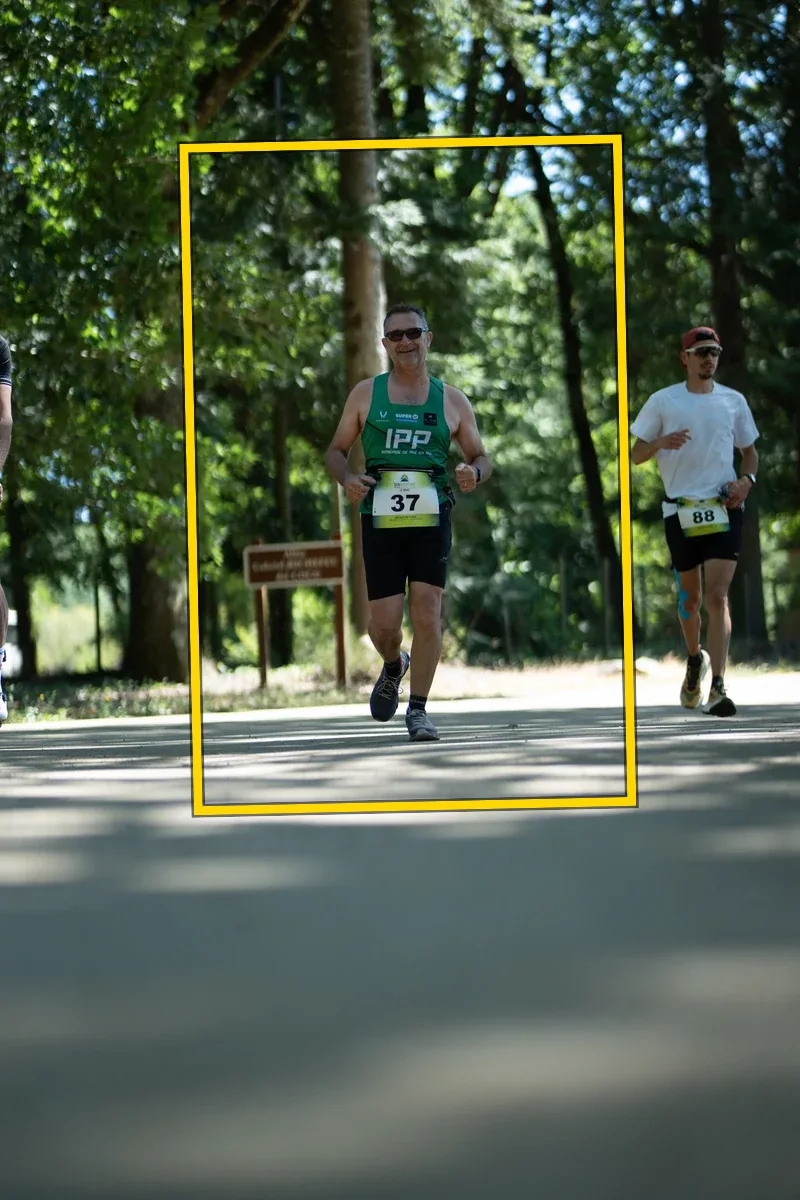
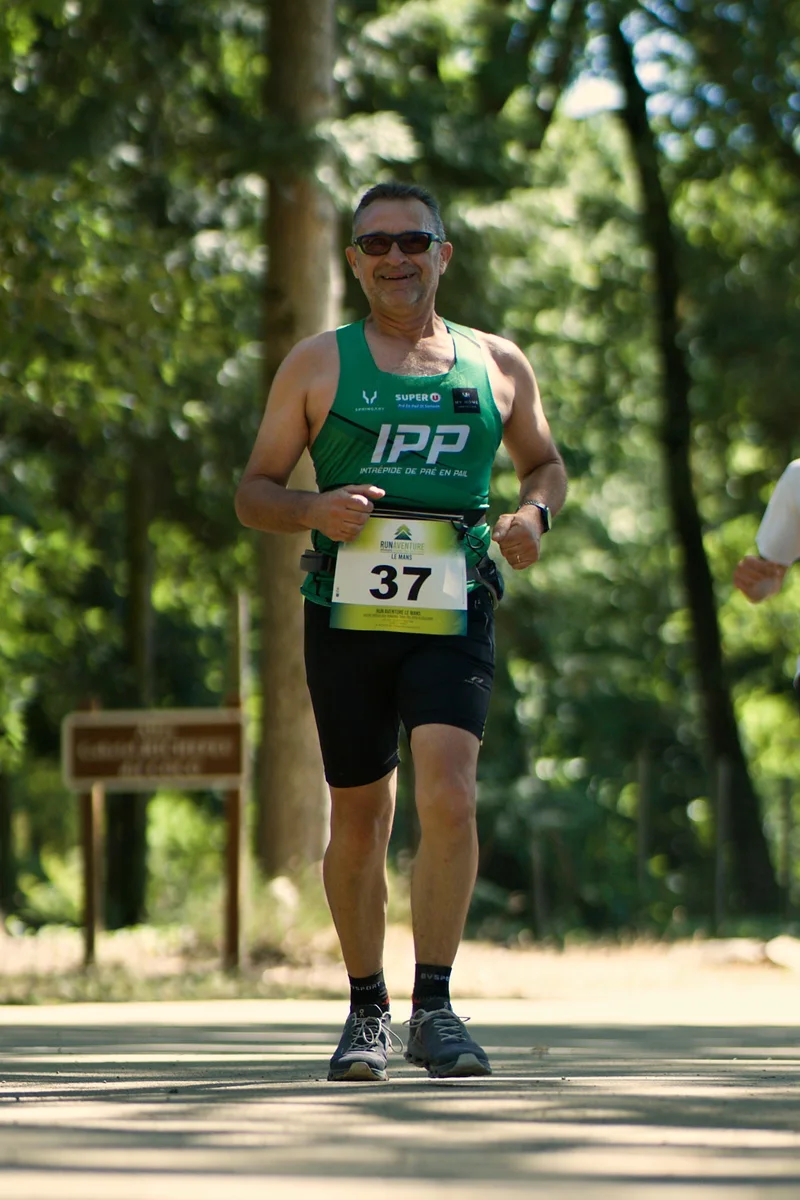
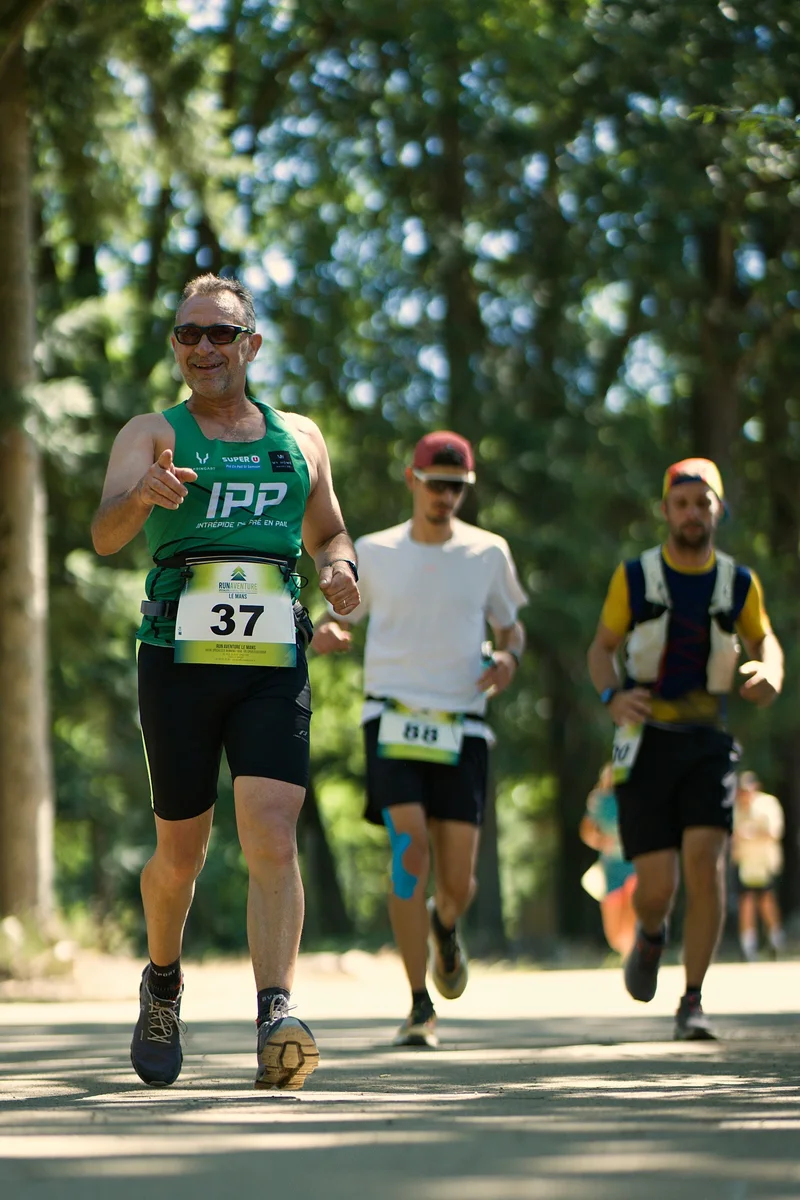
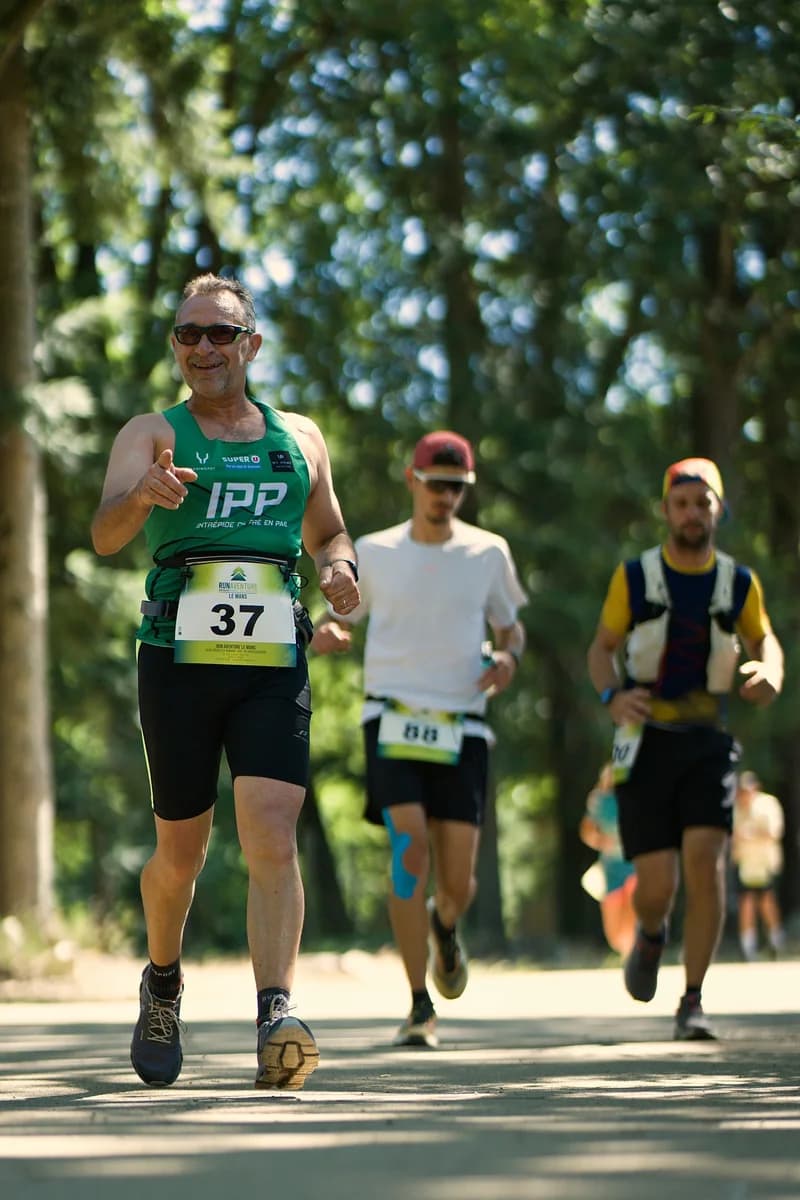
Runner with bib 37
Runner with bib 37 — plein cadre brut, penché avant redressement
30 %·1.3°
A7405736.ARW
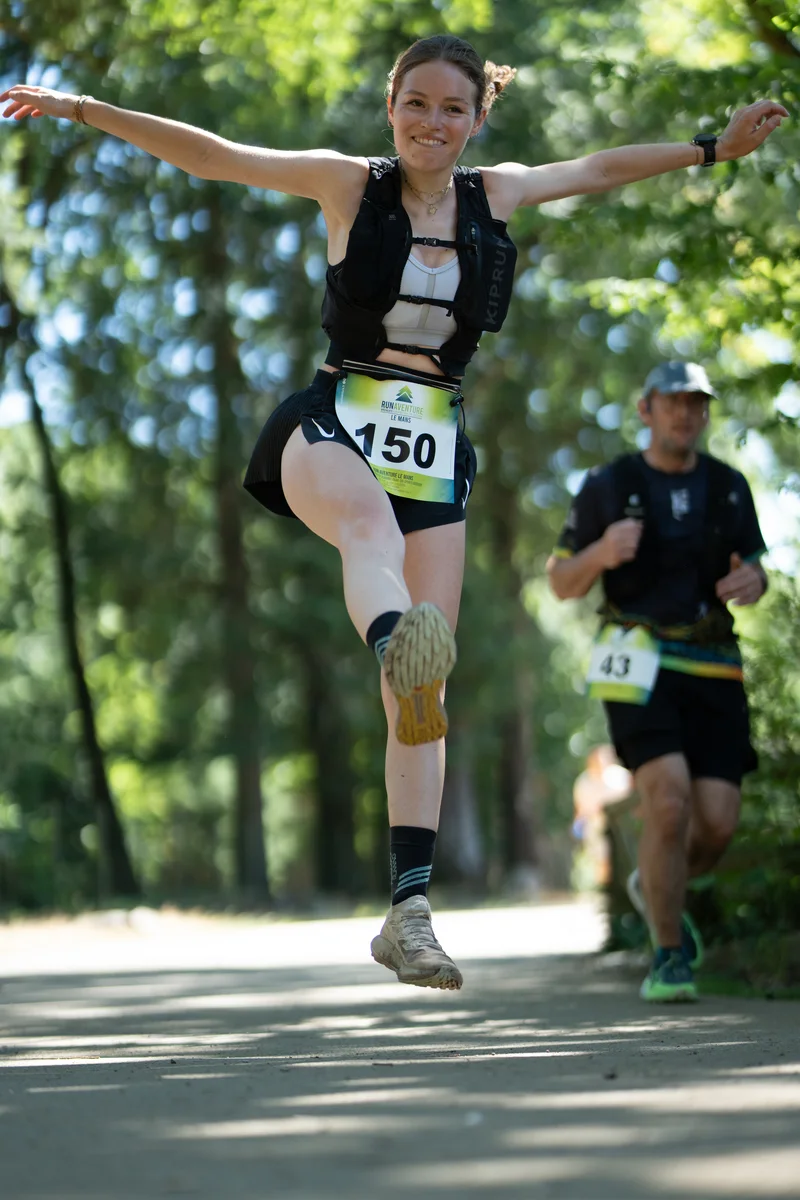
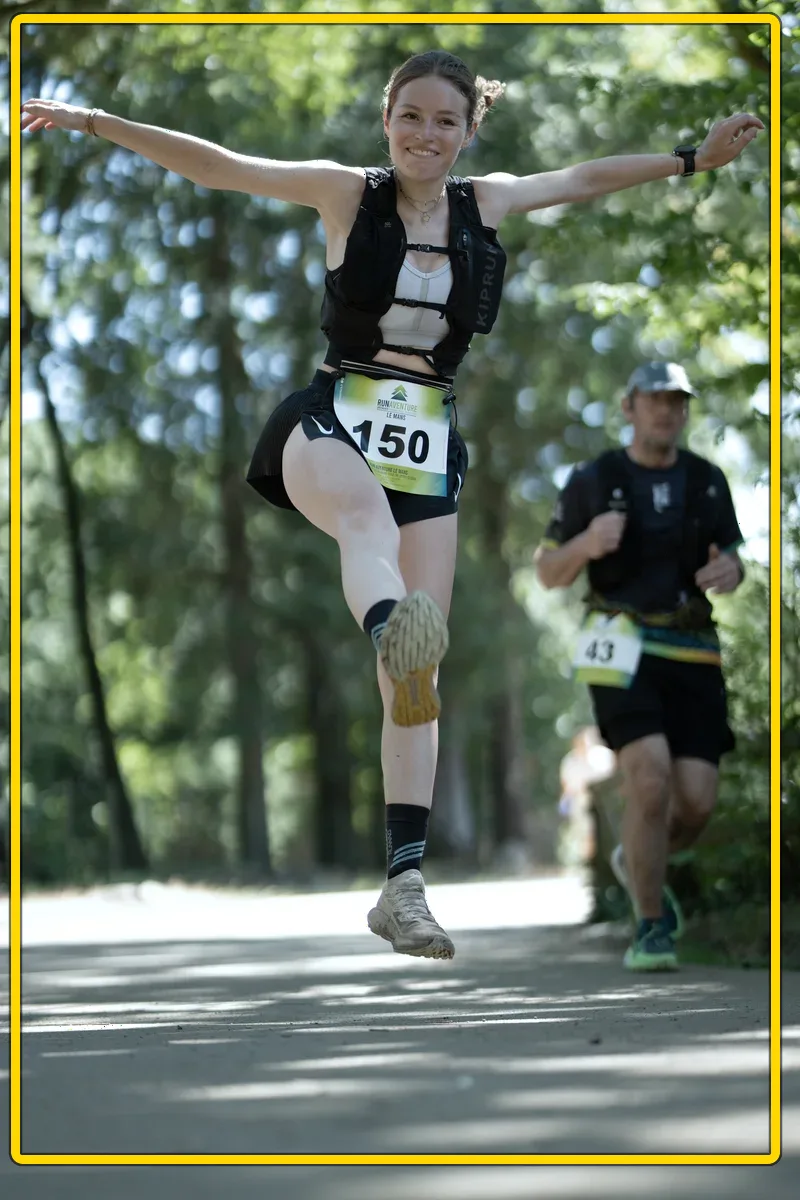
Runner with bib 150, mid-jump
Runner with bib 150, mid-jump — plein cadre brut, penché avant redressement
90 %
A7404926.ARW
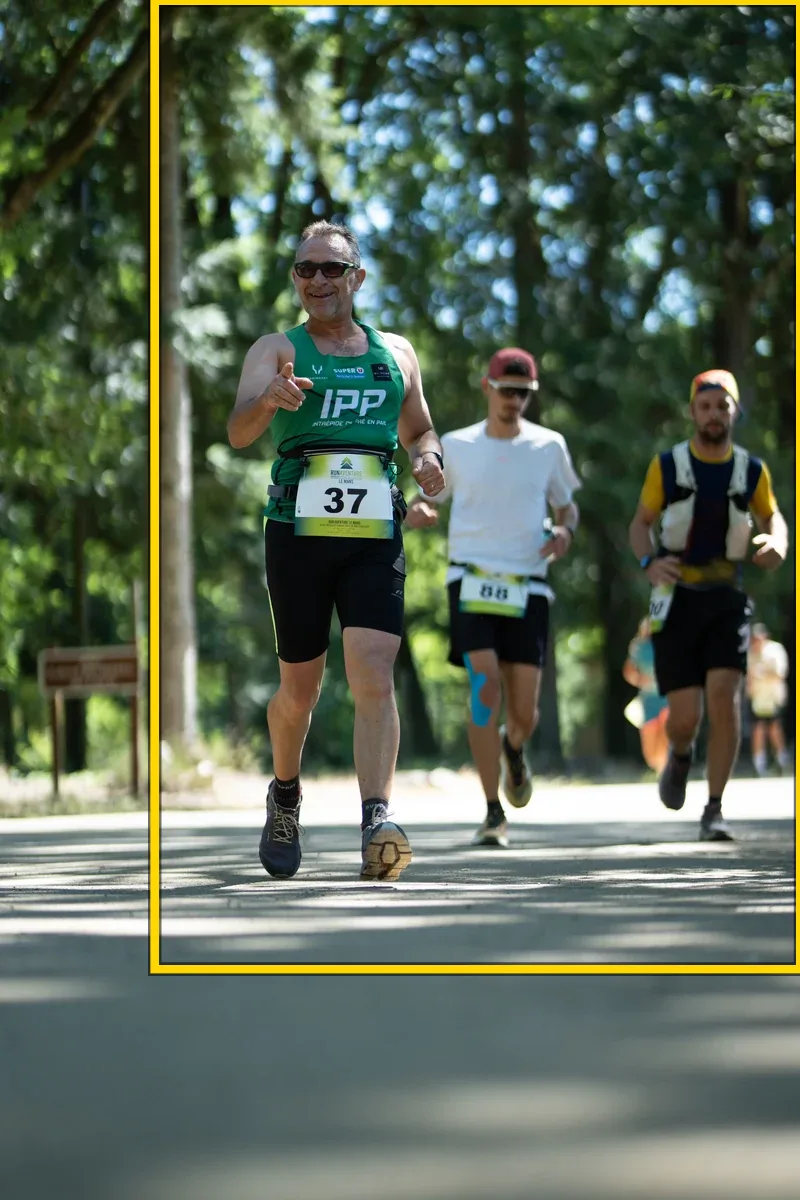
Runner with bib 37, close-up
Runner with bib 37, close-up — plein cadre brut, penché avant redressement
31 %·2°
A7405737.ARW
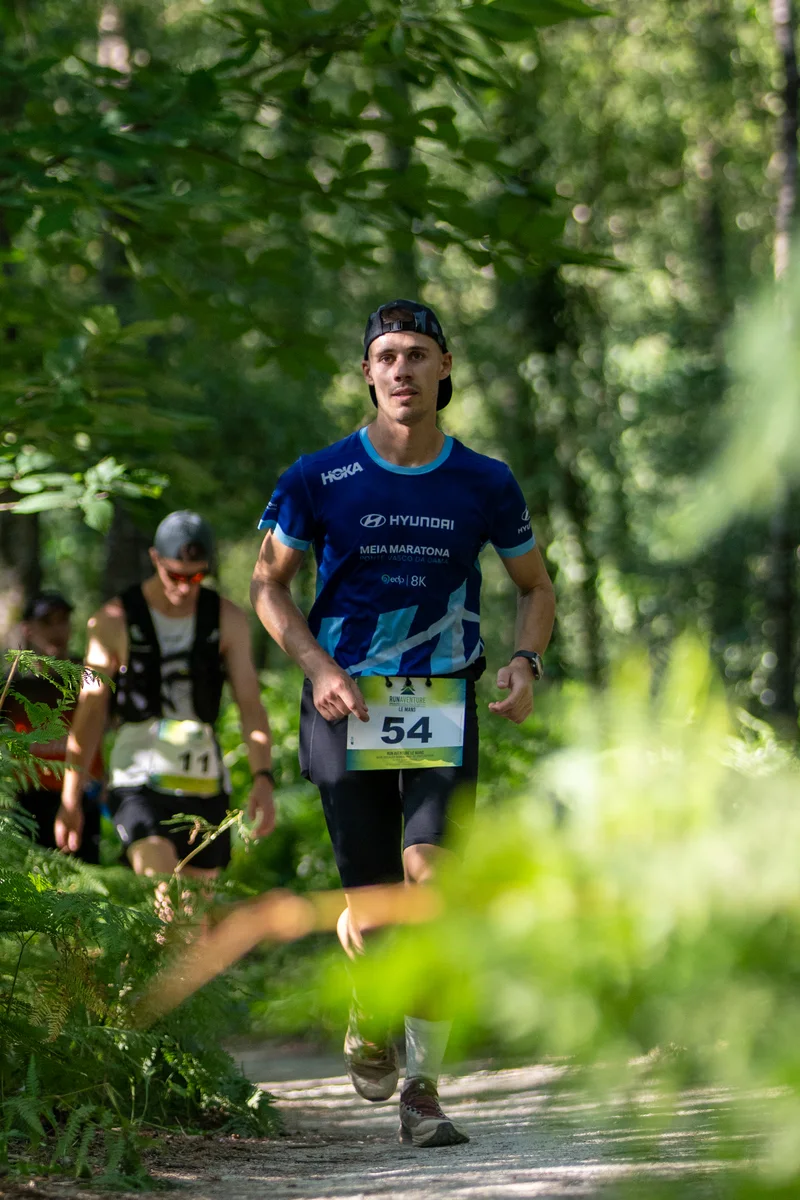
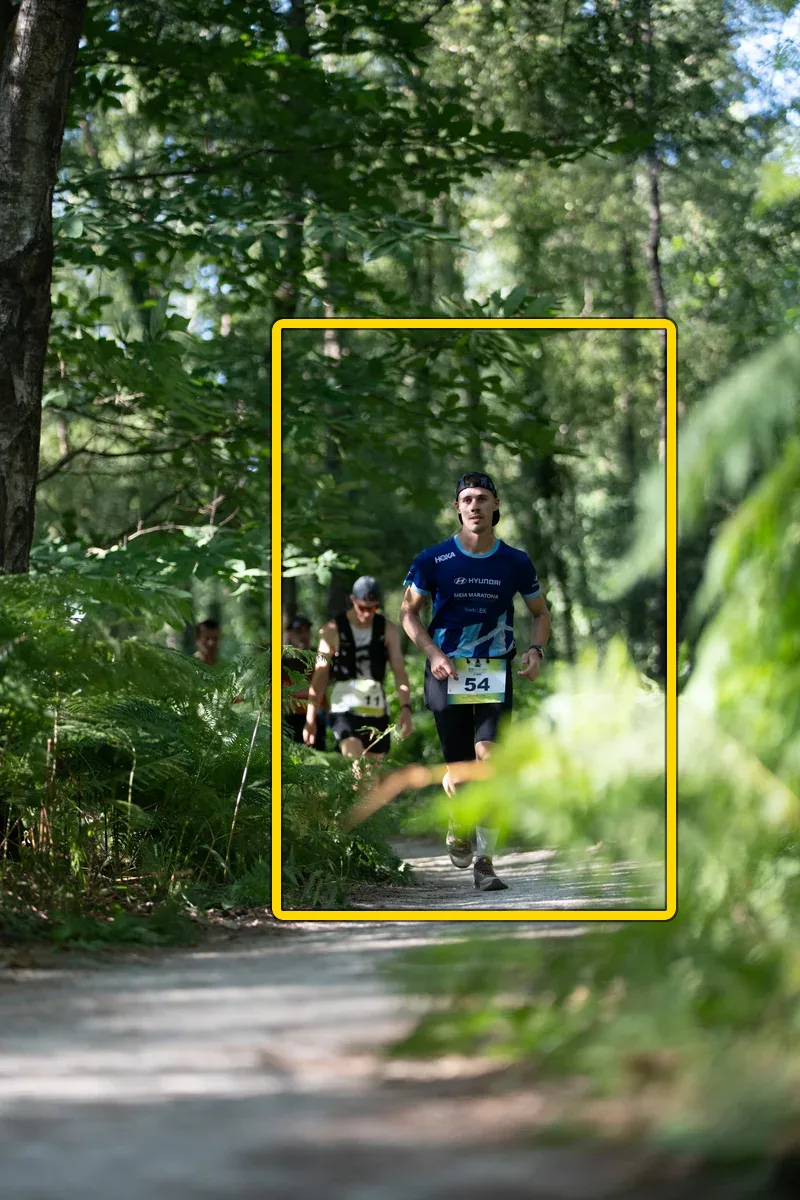
Runner with bib 54
Runner with bib 54 — plein cadre brut, penché avant redressement
24 %
Dossard 54
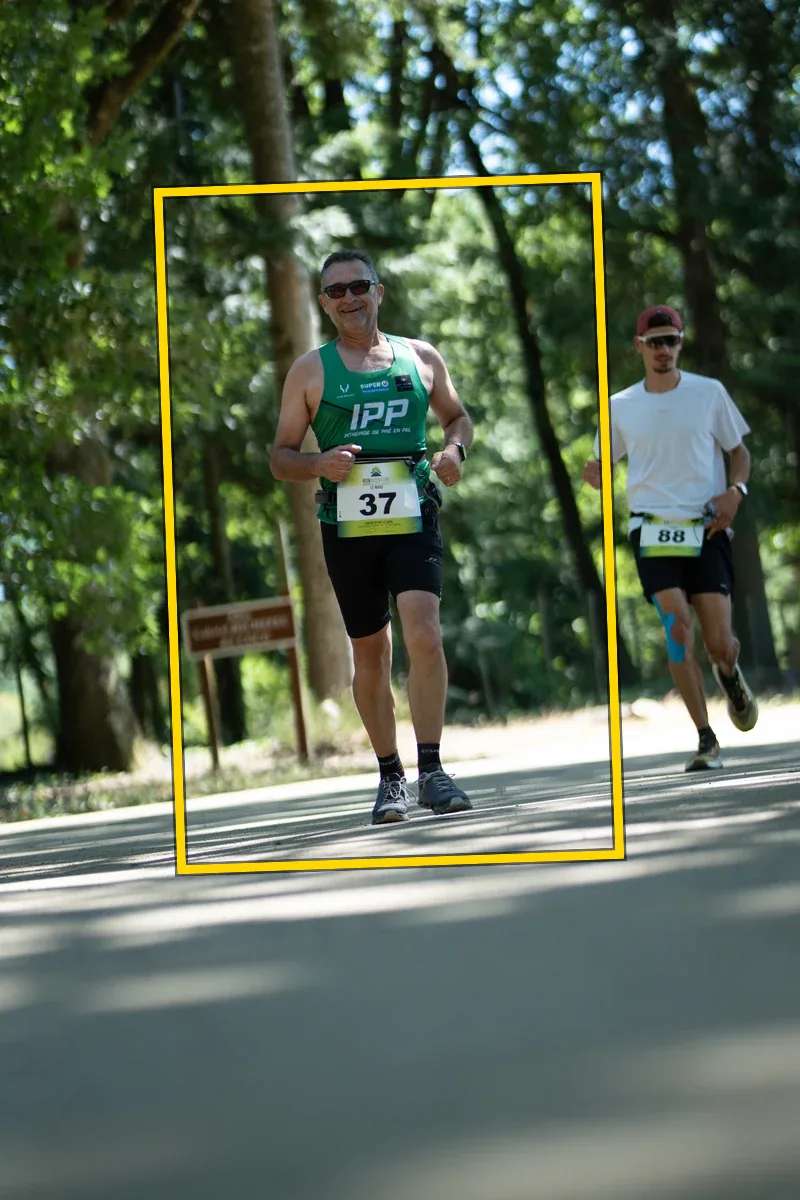
Runner with bib 37, among other runners
Runner with bib 37, among other runners — plein cadre brut, penché avant redressement
65 %
A7405739.ARW
Blurry photo set aside
Blurry photo✕ Dropped
A7404590.ARWnot uploaded
A group of runners on a forest trail, photo processed by Autopilot
Trust

It will never take a risk with your photos

Thousands of files pass through its hands over a weekend. No original is touched, no photo is lost.

  • Your RAW files stay home

    Only the final JPEG goes over the network. Your originals never leave your machine.

  • A dropped connection costs you nothing

    Photos wait in the queue and resume on their own. Zero duplicates, even after a crash.

  • Cautious by design

    At the slightest doubt — horizon, crop, exposure — the photo is left untouched.

  • What you see is what goes on sale

    The preview uses exactly the same engine as the upload. No surprises.

The app

A cockpit, not photo editing software

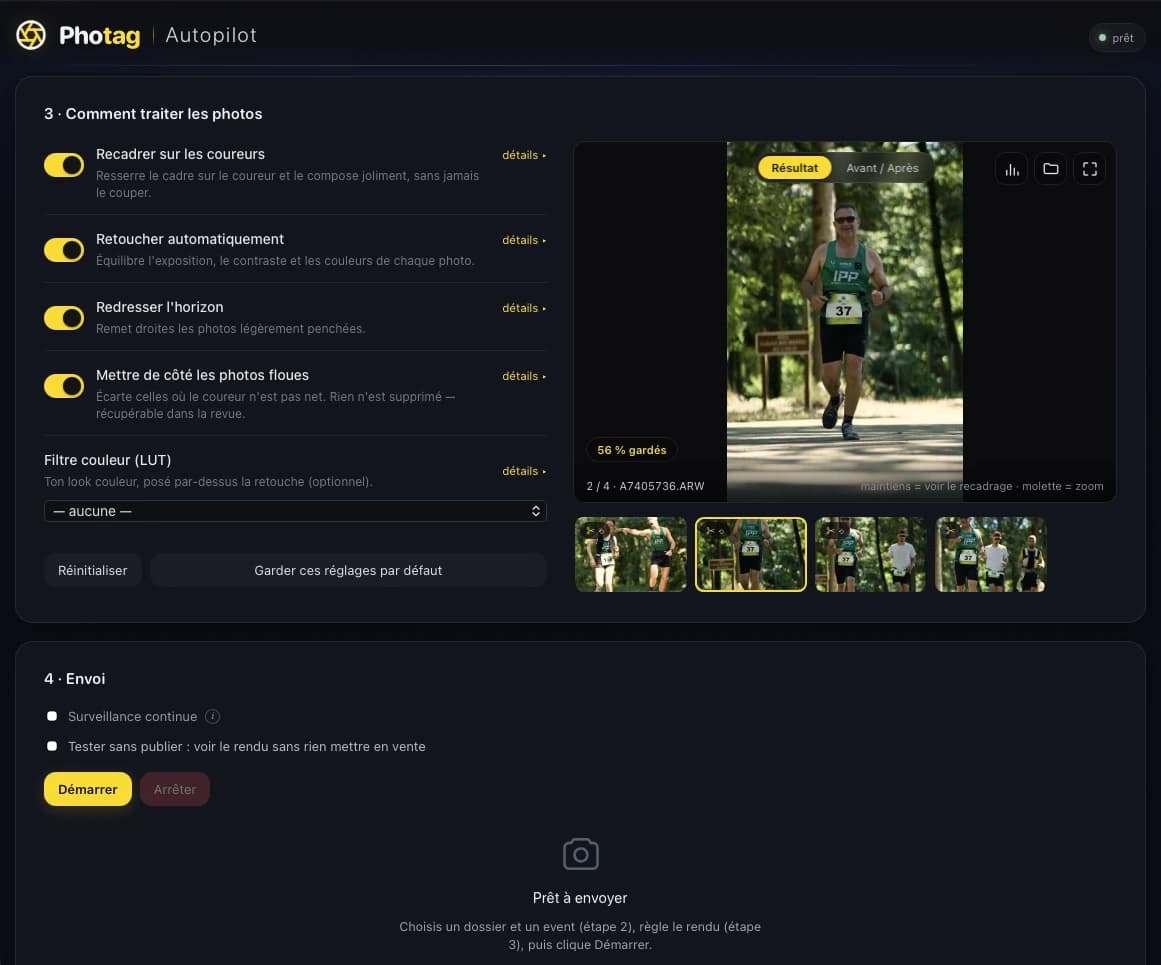
One single window. You pick the folder and the event, a preview shows you the look, then you hit start. That's it.

  • Live preview, running the real upload engine
  • Before / after by holding down the click
  • “Test without publishing” to check everything
  • Real-time counters and log
Photag Autopilot
The Autopilot dashboard: processing settings (crop, editing, horizon, blur sorting), before/after preview and upload
The app, exactly as it is — real screenshot
Compatibility

What you need

A computer

Mac first, Windows next. The app is self-contained and light (~45 MB).

macOS · availableWindows · coming soon

The Pro plan

Autopilot is included in the Photag Pro plan — the plan for photographers who shoot a lot.

See the plans

Your photos

RAW from most brands, plus JPEG. Copied from the card or sent by the camera — RAW files never travel.

SonyCanonNikonFujifilmDNGJPEG
Questions

Your questions about Autopilot

An app for your computer that watches a folder: every photo that lands in it is processed, edited, cropped, straightened, then uploaded and put on sale automatically — indexed by bib number and by face. You never have to edit a single photo again.

Yes, right now on Mac (macOS 12 or later, Apple Silicon and Intel chips). Download it from this page: it's included in the Pro plan and updates itself. The Windows version will come later.

Mac (macOS) at launch. A Windows version will follow. Tell us your system when you leave your email: we notify people platform by platform.

Yes. Autopilot is reserved for the Photag Pro plan, alongside the reduced commission and extended storage. It's the tool for photographers who shoot a lot, often.

No, never. The RAW is processed locally on your computer; only the final JPEG is uploaded. Your originals stay on your machine.

Yes. Every photo gets its own light adjustment, much like Lightroom's “Auto” button, plus a smart crop, horizon straightening and blur sorting. You stay in control of the look, and you can import your own signature style as a LUT.

It comes close: the engine is calibrated against reference points measured in Lightroom. It's not an Adobe clone, but a balanced look adapted to each photo — and you can push it toward your own style with a LUT.

Nothing serious: photos wait and resume on their own when the connection comes back, without creating duplicates. Autopilot even picks up again after the app restarts.

A computer (Mac at launch), an internet connection, and your photos in a folder — copied from the memory card, or dropped in over AirDrop. Autopilot accepts RAW files from most brands as well as JPEG.

Yes, if your camera can send photos as you shoot (Wi-Fi FTP) and you have a connection on site: they go on sale as you shoot. But it's not required — most photographers empty their card after the race and let Autopilot work on its own.

Never. Photos that are too blurry are simply left out of the upload and can be brought back in one click. Autopilot deletes nothing.

Available now

Download Photag Autopilot

Install the app, connect your Photag account and drop in your photos. Updates are automatic.

macOS 12 or later · Pro plan only

Not sure? Apple menu → About This Mac. "Apple M… chip" = Apple Silicon · "Intel Processor" = Intel.

On Windows? Leave your email and we'll let you know.

Preferred operating systemOn:

Un seul email, au lancement. Pas de spam, désinscription à tout moment.

Autopilot is included in the Pro plan. See the plans